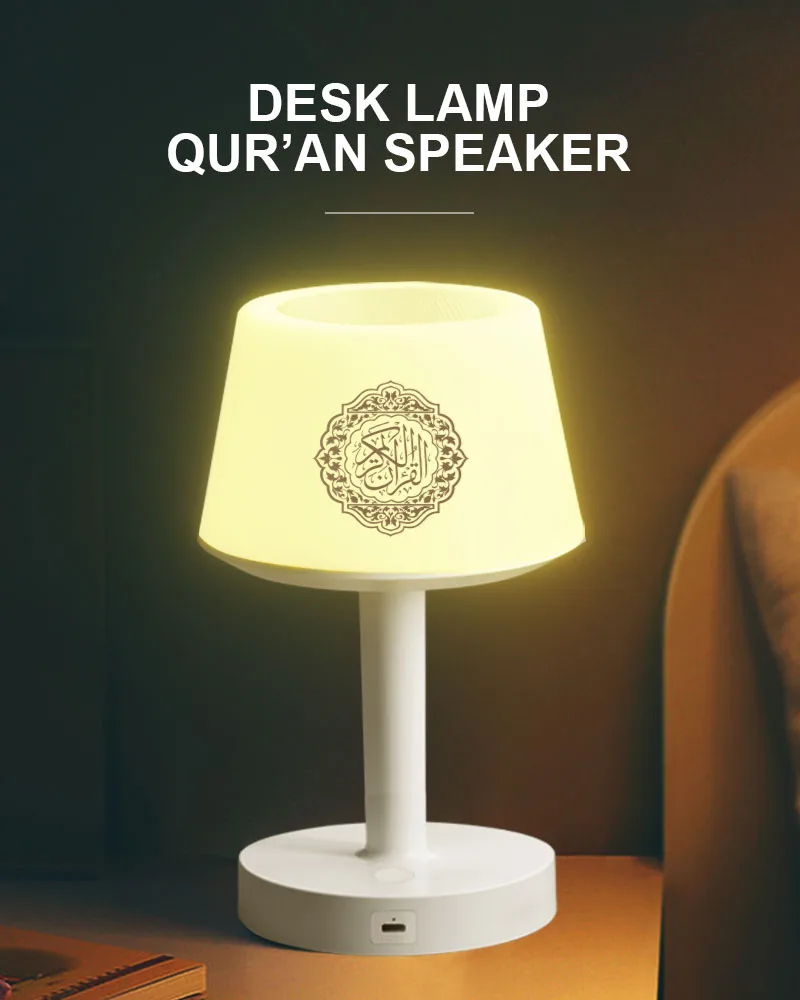
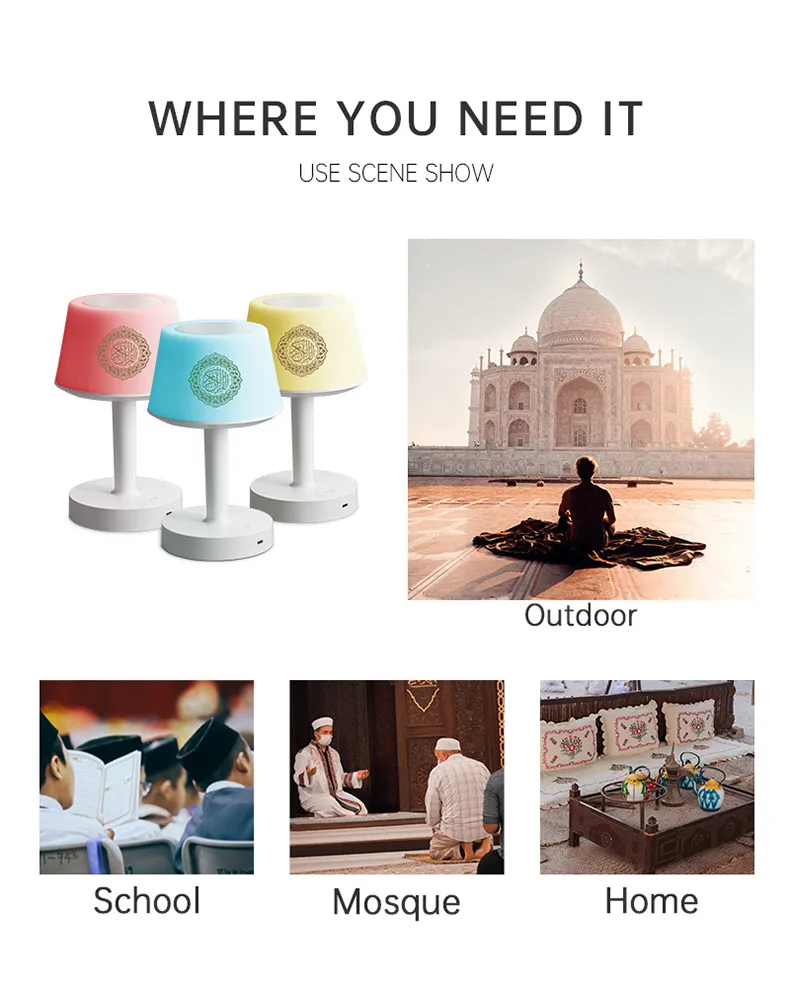
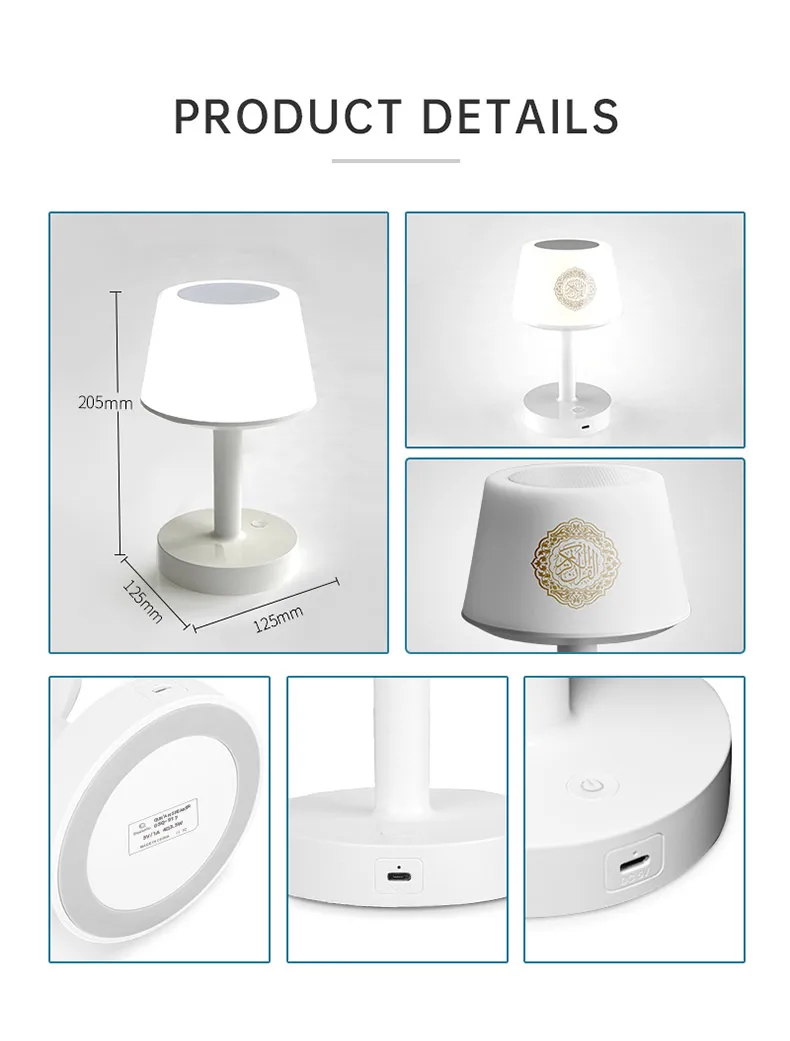
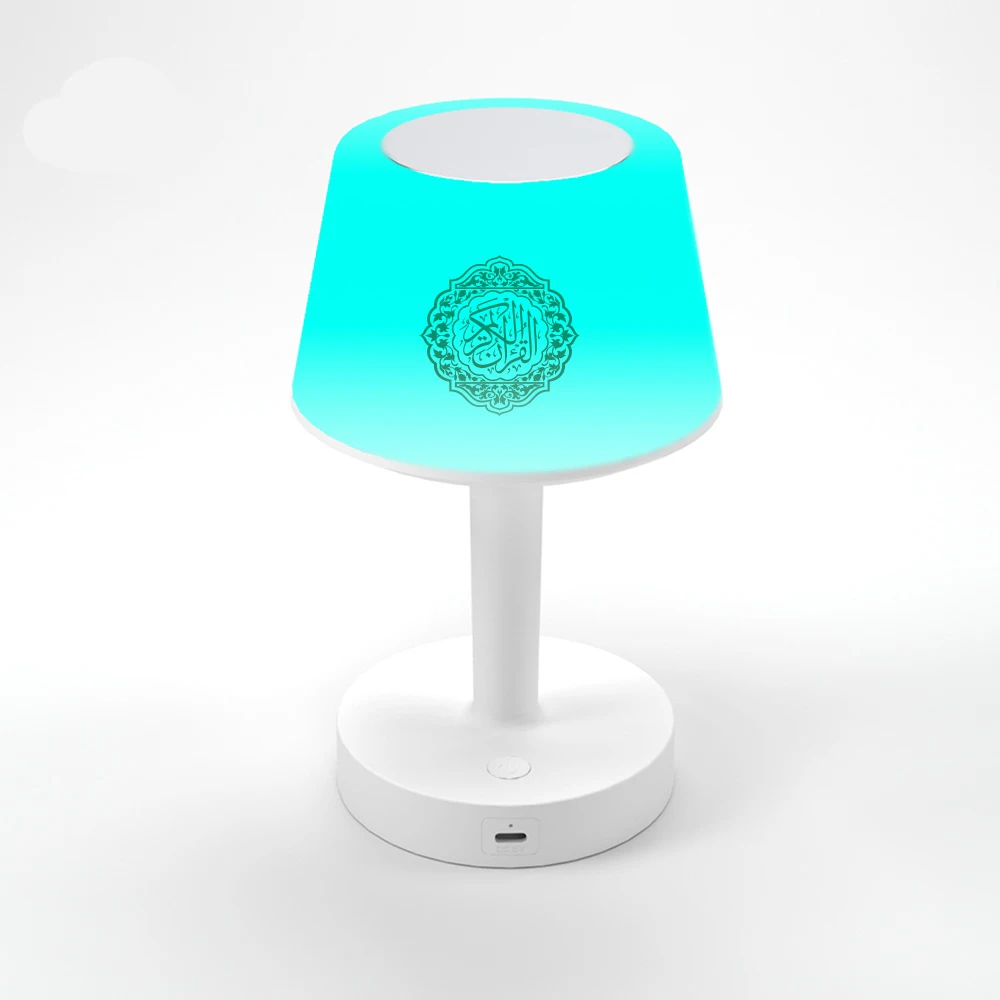
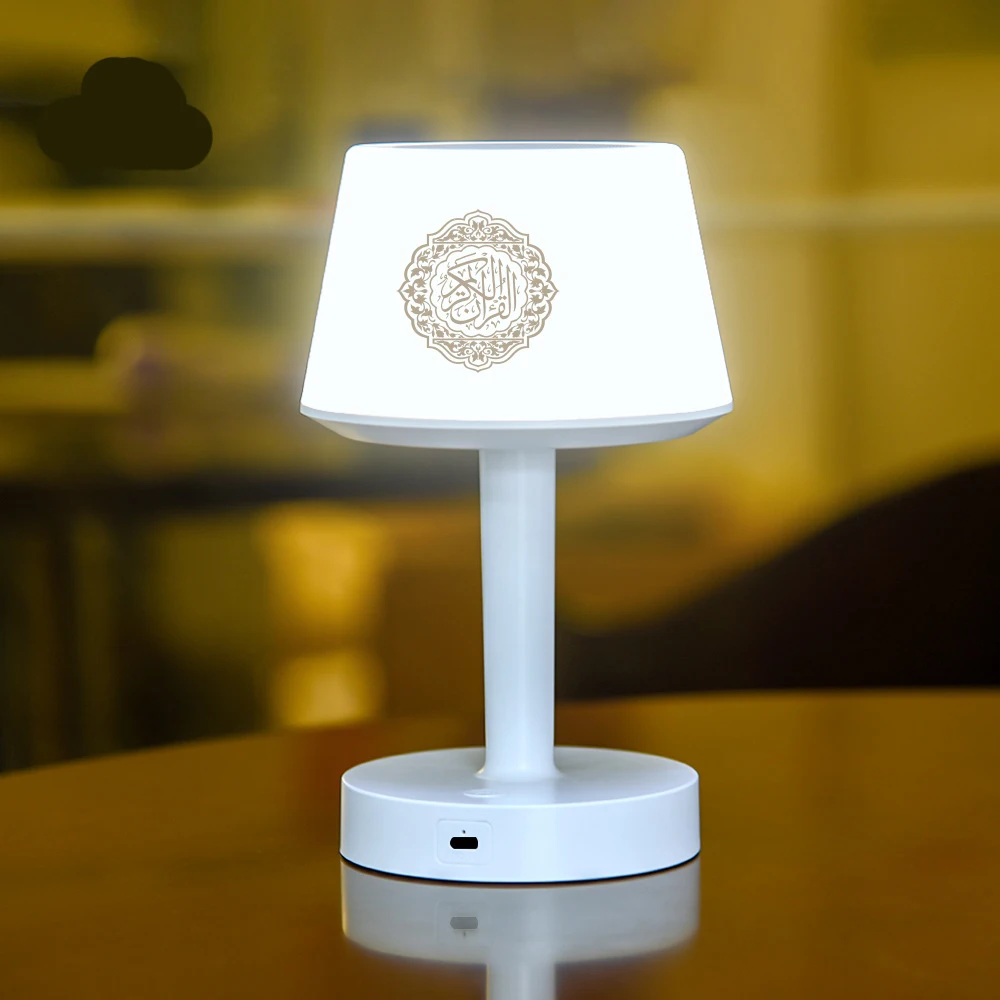
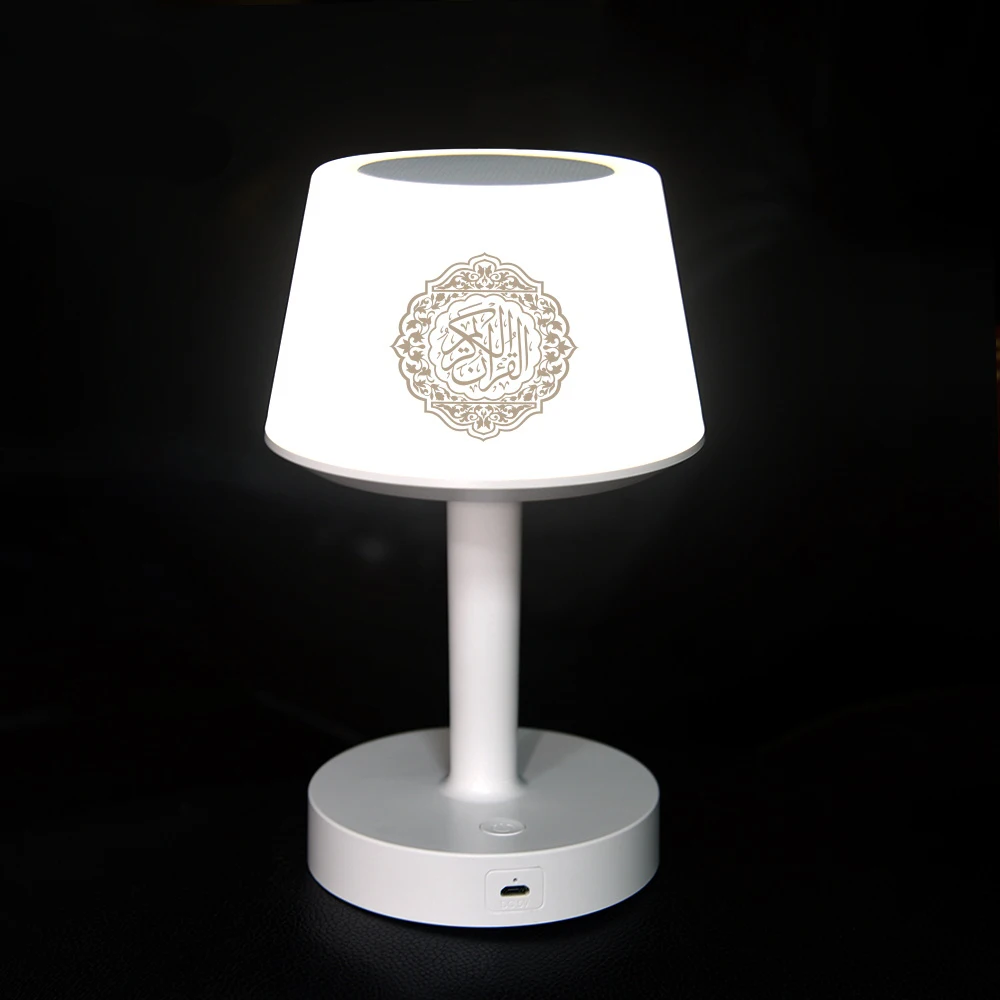
Bright Night Light Lamp Quran Azan Muslim Koran Holy Bluetooth Speaker Portable Sound Box Music Wireless Bocina Mp3 Caixa De Som


Bright Night Light Lamp Quran Azan Muslim Koran Holy Bluetooth Speaker Portable Sound Box Music Wireless Bocina Mp3 Caixa De Som
Please scan the QR code or click the link to watch the product usage tutorial video:
https://guide.equantu.com/
We support drop shipping!
1.Table lamp quran speaker with chapter 114 content
2.Ayah by Ayah,word by word
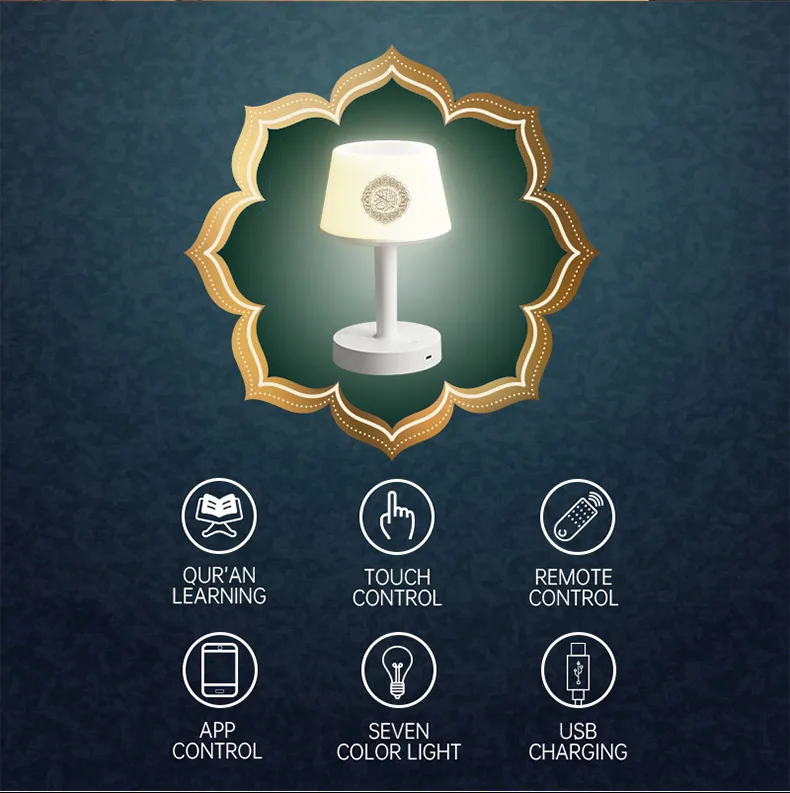
3.Special feature:Bluetooth mood
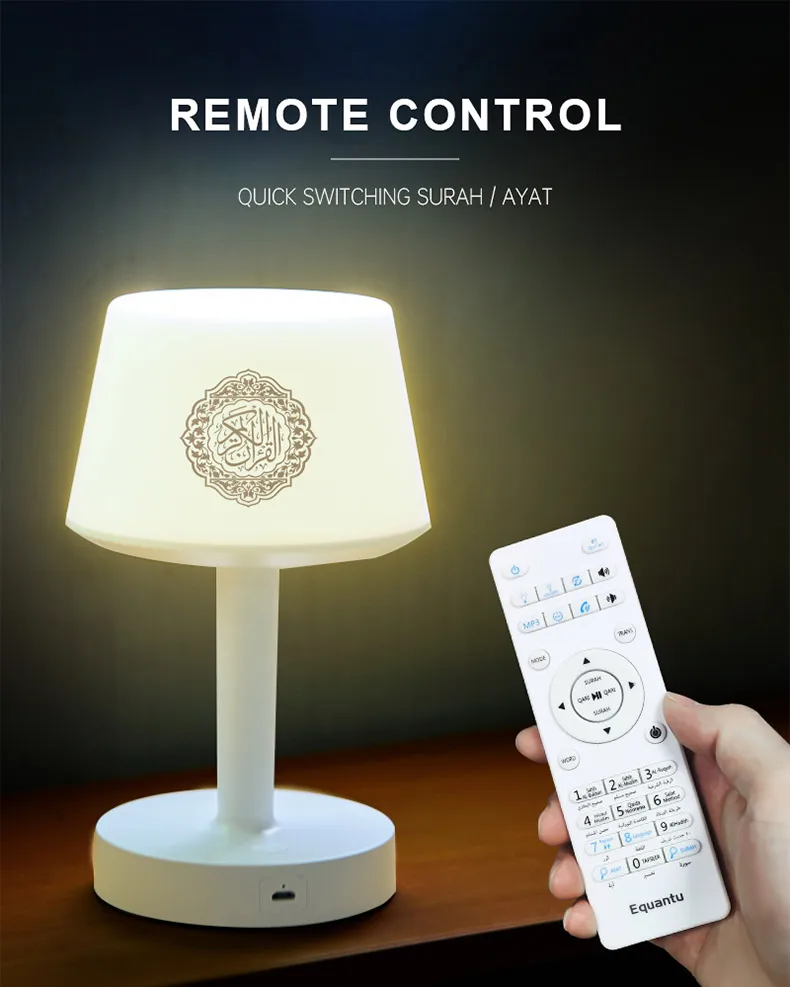
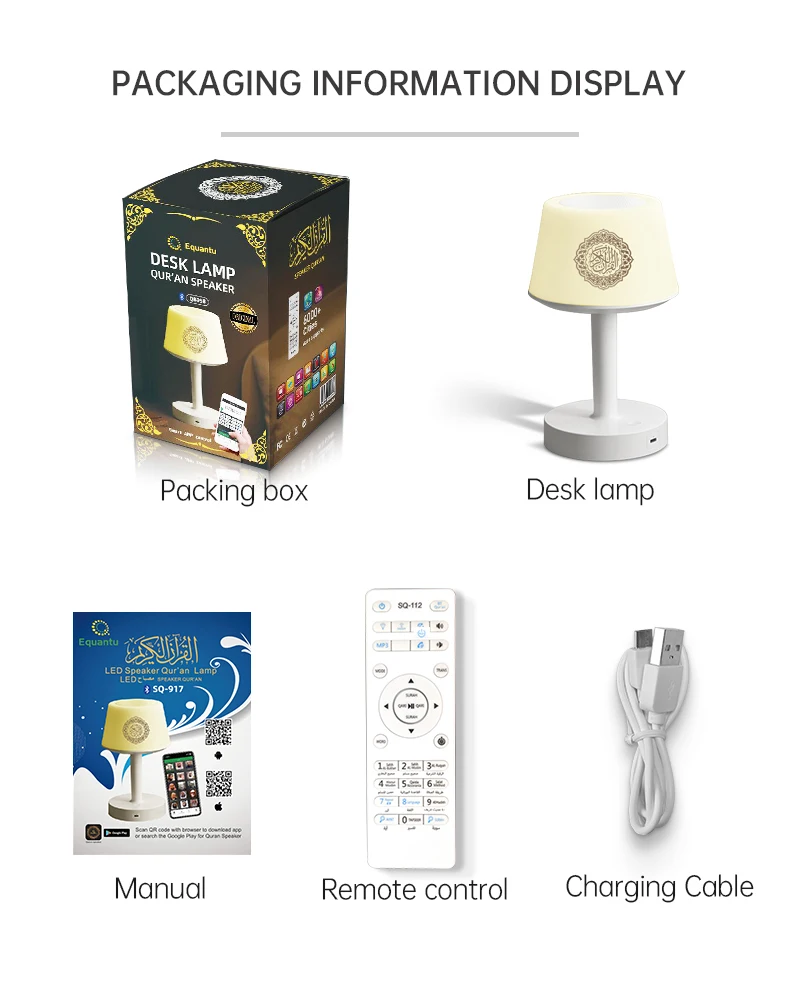
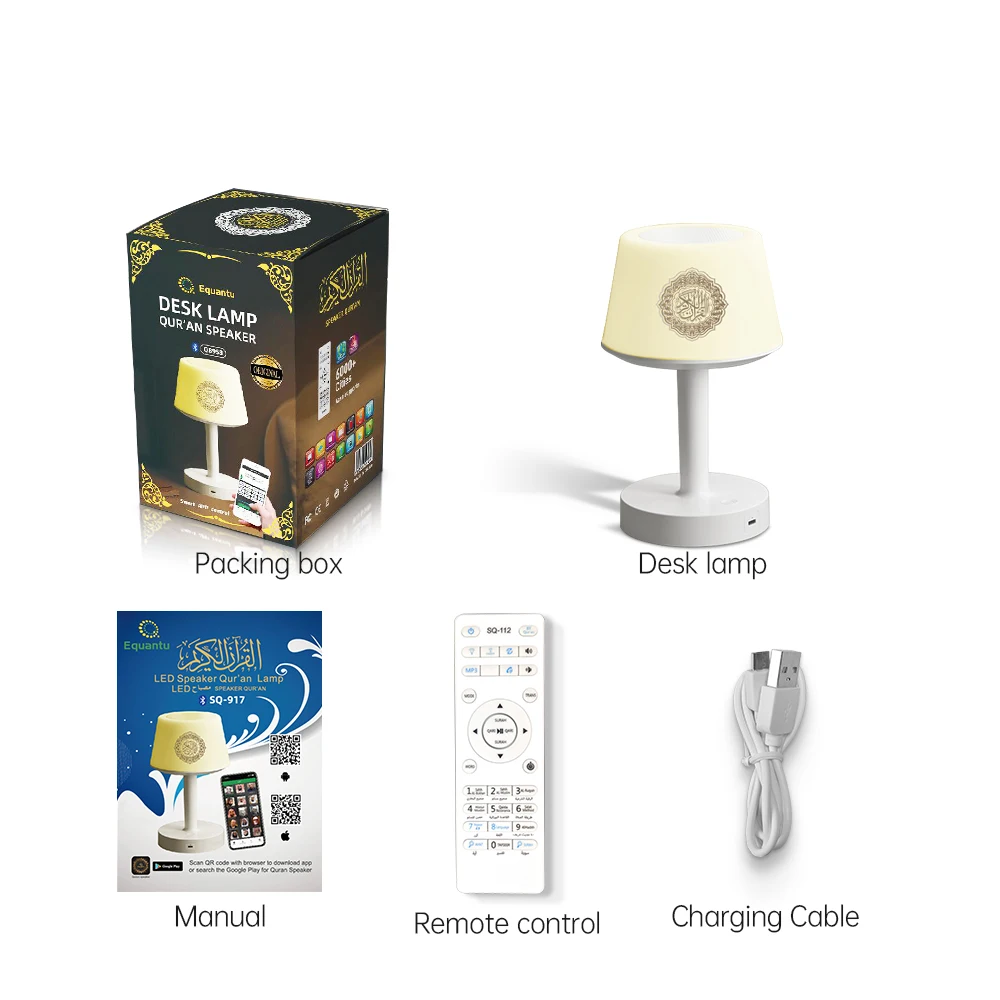
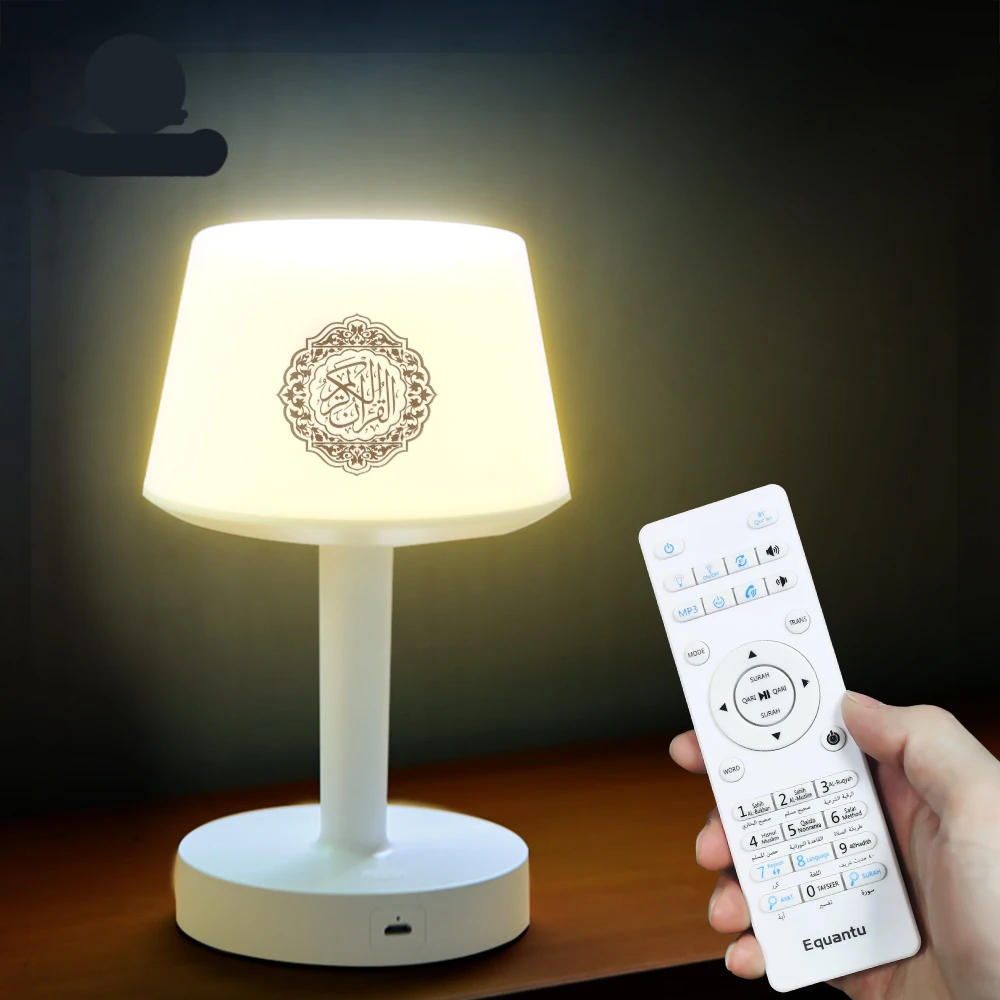
4.Accessories:Manual,USB cable,remote.
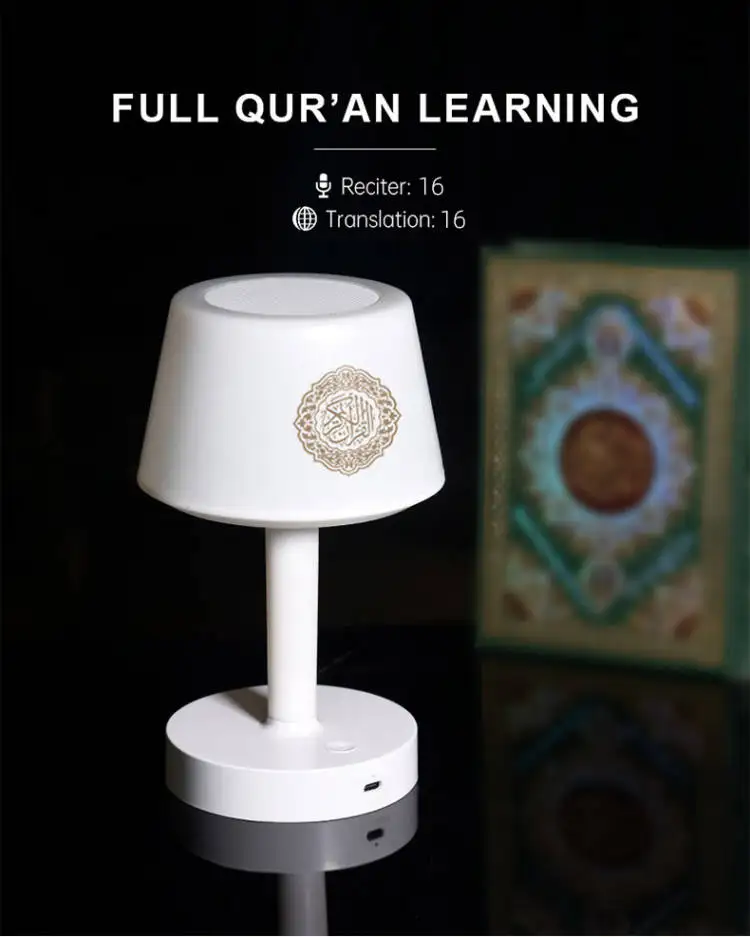
5.Support:16 reciters and 16 languages
6.Support:MP3,surah and ayat search
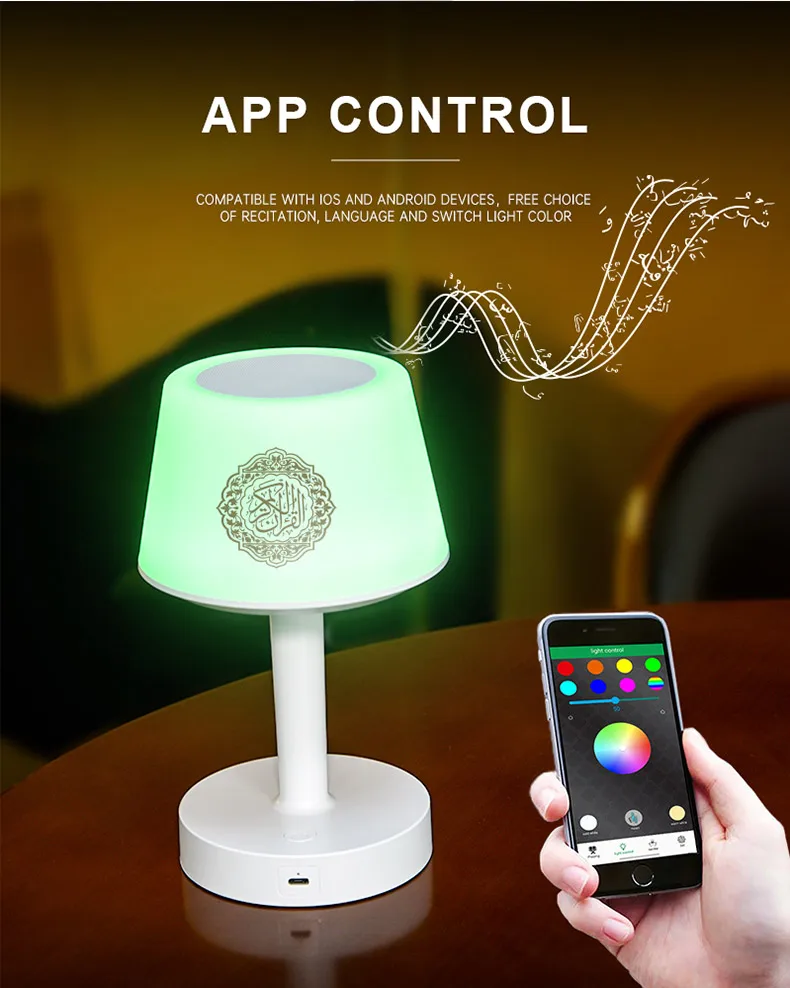
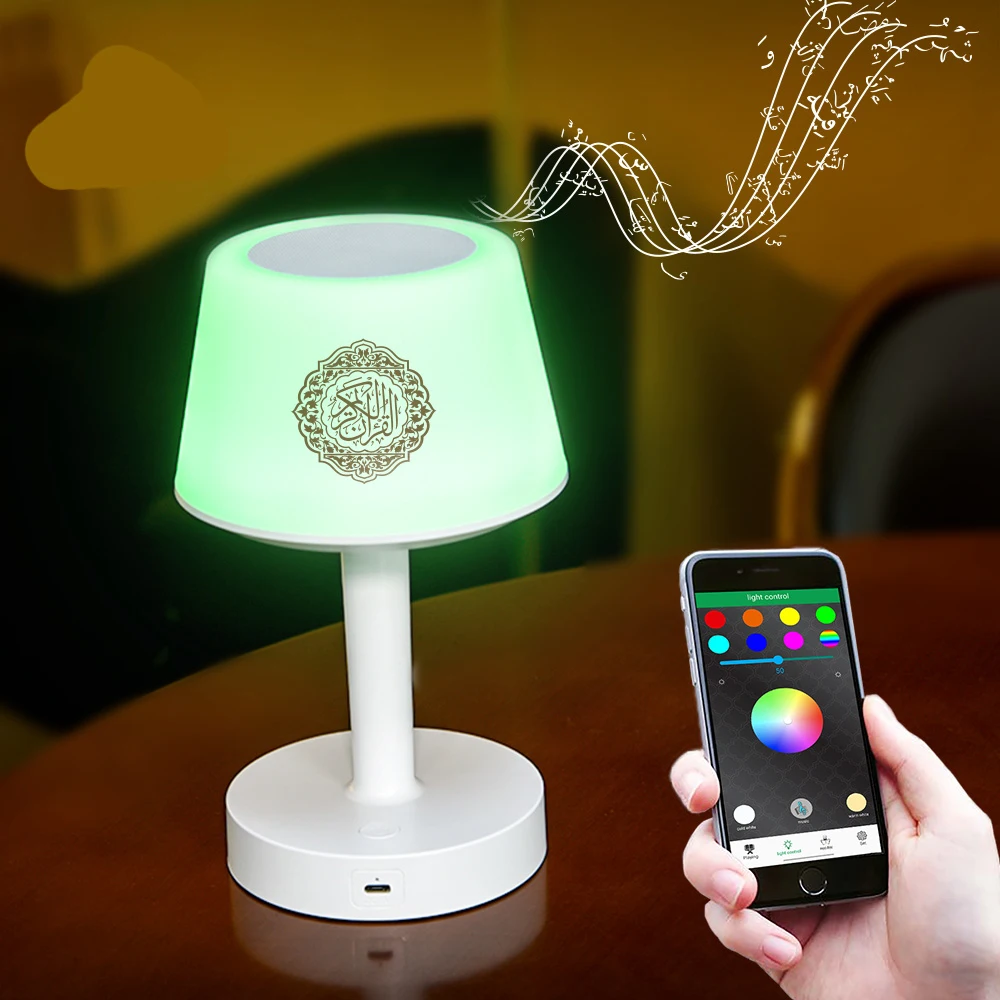
7.APP control
Warning:
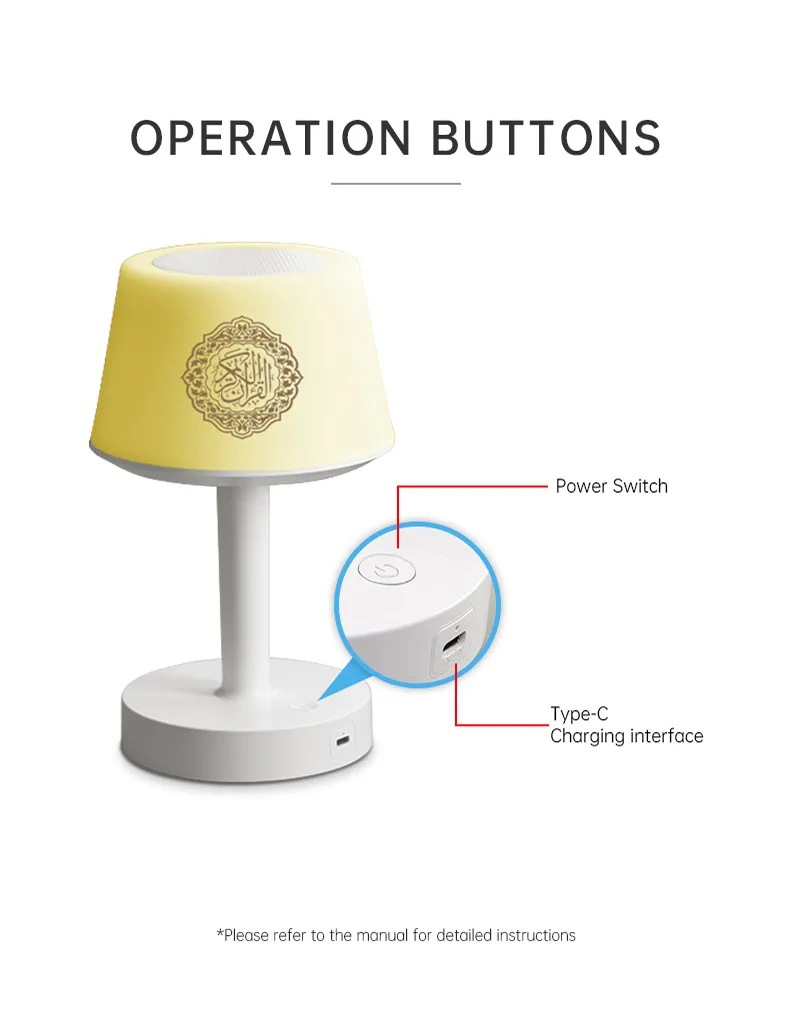
1.The product arrives locked. Unlocking procedure: After turning on the product, then press the power button on the remote control. The product will then enter Bluetooth mode. Long Press the "WORD" button on the remote control for more than 3 seconds, then briefly press the "4" and "6" buttons. Once unlocked, the Quran will play.
2.The battery capacity of this product is 1800mAh. The fully charged playback time is 4-6 hours.
3.Azan Settings
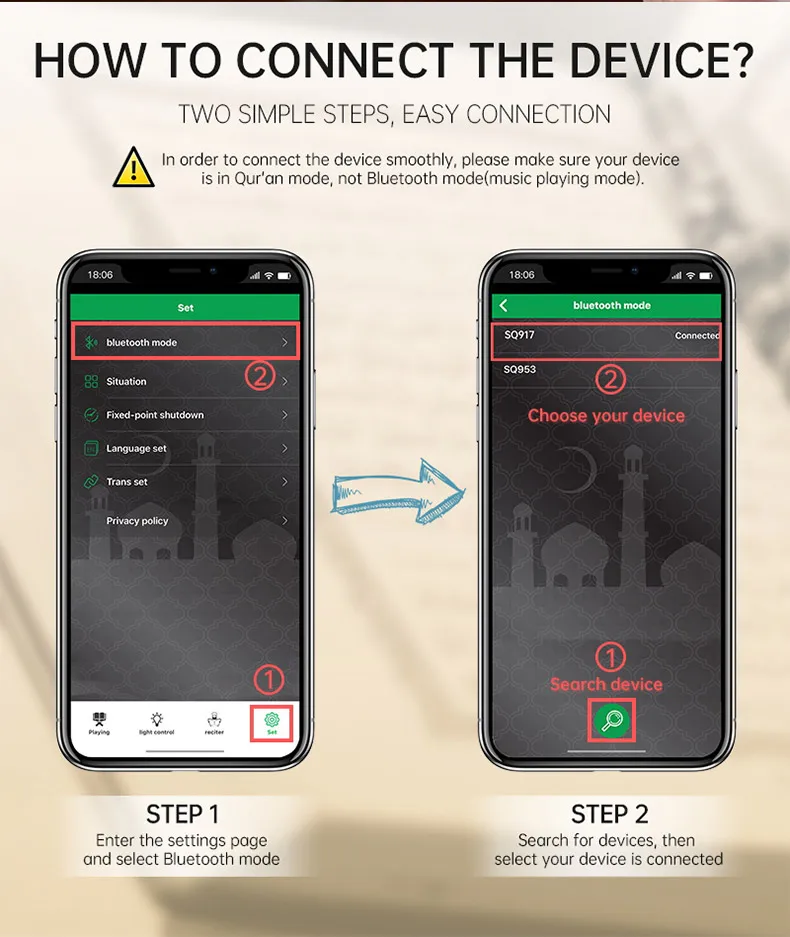
1) Open the product, then open the application, enter "bluetooth mode", search for the product, and connect to it;
2) After connecting, click the power button on the "playing" interface to play the Quran;
3) Click on the circle above "Longitudinal and Latitude Setting" - "Auto position current position" to locate it;
4) You can also go back and click "Azan Setting" to set the time, and then click save.
Attention: Do not miss the second step! And ensure that the product has sufficient battery power every day!
4. If the remote control cannot be used and the startup prompt sound is entering Bluetooth mode, please reinsert the TF card and try using it again.
5. After opening the product, you need to press the remote control's power button or use an application to complete the Bluetooth connection and press the power button on the program to play the Quran.
6. After entering Bluetooth mode, clicking on the remote control will not play the Quran, so you need to press the Bluetooth button on the remote control or the BT button on the application to switch back to Quran mode and continue playing.
7. Apple users will not be able to download this product app in China, including Hong Kong, Macau, and Taiwan.
8.Remote control requires 2 AAA batteries, not included in the package.